Multi-modal Comprehensive Upgrade: Video Creation Enters the “Free Combination” Era!

Seedance 2.0 Multi-modal Introduction

  • Supports uploading text, images, videos, and audio. These materials can all be used as objects or references. You can reference the actions, effects, forms, camera movements, characters, scenes, and sounds of any content as long as the prompt is written clearly; the model will understand it.
  • Seedance 2.0 = Multi-modal reference capability (can reference anything) + Strong creative generation + Precise instruction response (great comprehension)
  • Just use natural language to describe the visuals and actions you want, explicitly stating whether it’s a reference or an edit~ When there is a lot of material, it is recommended that you check more if each @ object is clearly marked, and do not confuse pictures, videos, and characters.

Special Usage (No limits, just for reference):

  • Have start/end frame images? Still want to reference video actions? → Write it clearly in the prompt, like: “@Image1 is the first frame, reference the fighting action in @Video1”
  • Want to extend an existing video? → Specify the extension time, like “extend @Video1 by 5s”. Note: The generated duration selected here should be the duration of the “new part” (e.g., if extending by 5s, choose the generated length as 5s).
  • Want to merge multiple videos? → Explain the synthesis logic in the prompt, like: “I want to add a scene between @Video1 and @Video2, the content is xxx”
  • No audio material? You can directly reference the sound in the video.
  • Want to generate continuous actions? → You can add continuity descriptions in the prompt, like: “The character transitions straight from jumping to rolling, keeping the action coherent and smooth” @Image1 @Image2 @Image3…

Those video problems that were always hard to do can really be solved now!

Making videos always comes with some headaches: such as faces changing, actions not looking right, unnatural video extensions, and the whole rhythm changing as you edit… This time, multi-modality can solve all these “persistent problems” at once. Here are the specific usage cases👇

Overall Improvement in Consistency

You might have had these troubles: characters looking different at the beginning and the end, product details getting lost, small text blurring, scene jumping, camera styles not unifying… These common consistency problems in creation can now be solved in 2.0. From faces to clothing, to font details, overall consistency is more stable and accurate.

Case 1

Source Assets

Asset 1
IMG

Generation Prompt

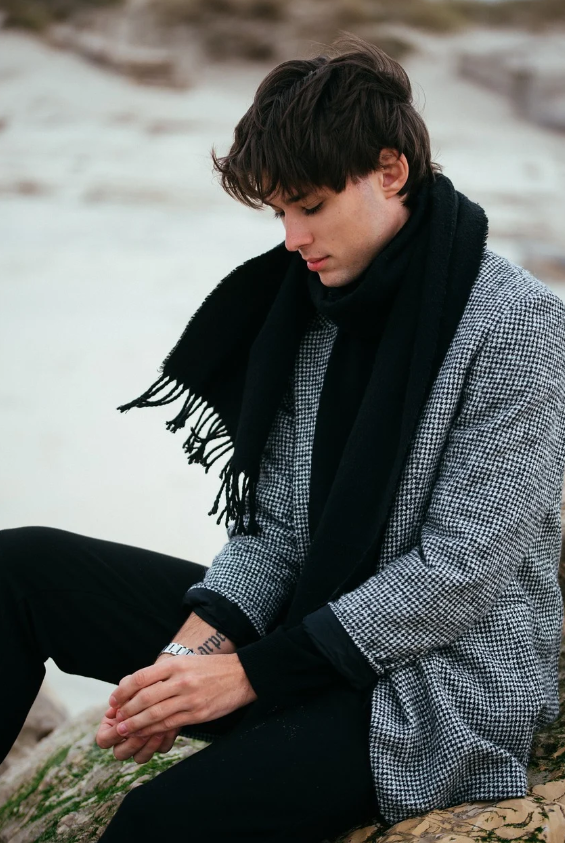
The man in @Image1 is walking tiredly in the corridor after getting off work. His footsteps slow down, and he finally stops at his front door. Close-up shot of his face: the man takes a deep breath, adjusts his mood, puts away his negative emotions, and becomes relaxed. Then, a close-up of him digging out his keys and inserting them into the door lock. After entering the house, his little daughter and a pet dog run over happily to greet and hug him. The interior is very warm, with natural conversation throughout.

Output Result

Ready

Case 2

Source Assets

VID

Generation Prompt

Replace the girl in @Video1 with a Chinese opera Huadan (female role). The scene is on an exquisite stage, referencing the camera movement and transition effects of @Video1, using the camera to match the character's actions, and portraying extreme stage aesthetics to enhance the visual impact.

Output Result

Ready

Case 3

Source Assets

VID

Generation Prompt

Reference all transitions and camera movements from @Video1, doing a one-take shot. The scene starts with a chess game, the camera pans left to show the yellow sand on the floor, then the camera moves up to a beach. There are footprints on the beach, and a girl in plain white clothes walks farther and farther away on the beach. The camera cuts to a high-angle overhead view of seawater washing ashore (do not show people). A seamless fade transition occurs where the crashing waves turn into a fluttering curtain. The camera zooms out to show a close-up of the girl's face, all in a single take.

Output Result

Ready

Case 4

Source Assets

Asset 1
IMG

Generation Prompt

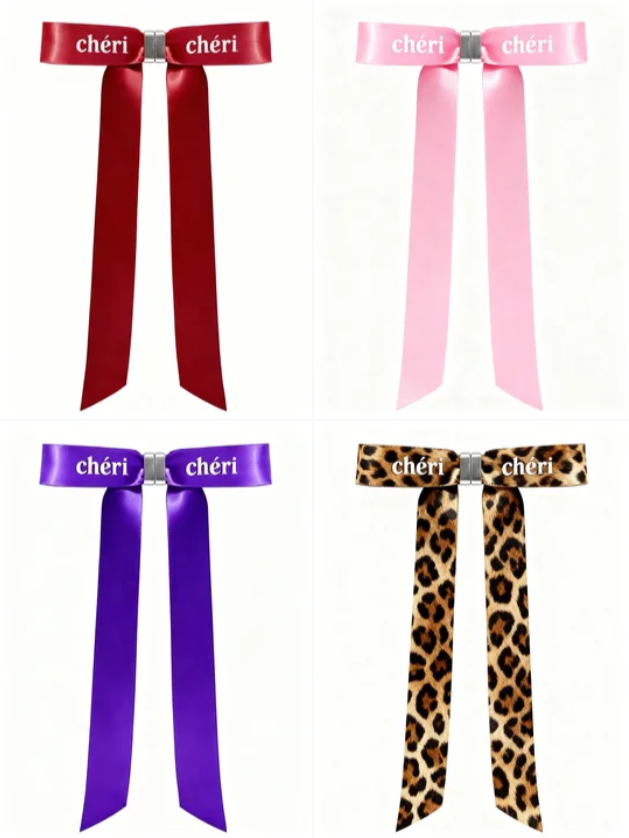
0-2 seconds visuals: Rapid 4-pane flash cuts, the four bows—red, pink, purple, and leopard print—freeze in sequence, giving a close-up of the satin luster and "chéri" brand lettering. Voiceover: "Chéri 자석 리본으로 무궁무진한 아름다움을 연출해 보세요!" 3-6 seconds visuals: A close-up of the silver magnetic clasp "clicking" together, then gently pulling apart, showing its silky texture and convenience. Voiceover: "단 1초 만에 잠그고, 최고의 스타일을 완성하세요!" 7-12 seconds visuals: Rapidly switching wearing scenes: The burgundy one pinned on the coat collar, full commuter vibe; the pink one tied in a ponytail, sweet girl street style; the purple one tied on the bag strap, niche and premium; the leopard print one hanging on the suit collar, full spicy girl aura. Voiceover: "코트, 가방, 헤어 액세서리까지, 다재다능하고 개성 넘치는 스타일을 완성하세요!" 13-15 seconds visuals: The four bows are displayed side by side, brand name "chéri, 당신에게 즉각적인 아름다움을 선사합니다!"

Output Result

Ready

Case 5

Source Assets

Asset 1
IMG
Asset 2
IMG
Asset 3
IMG

Generation Prompt

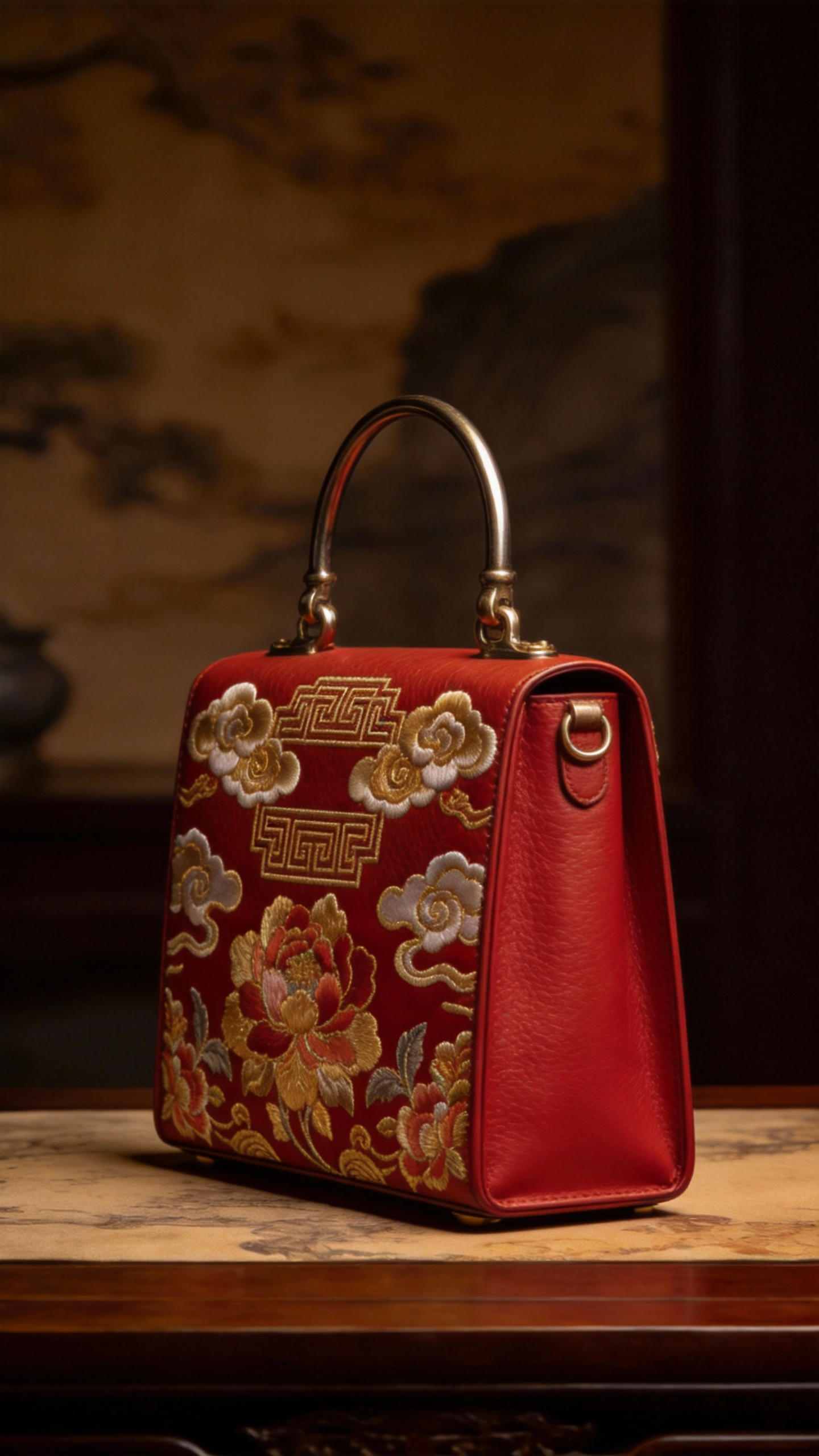
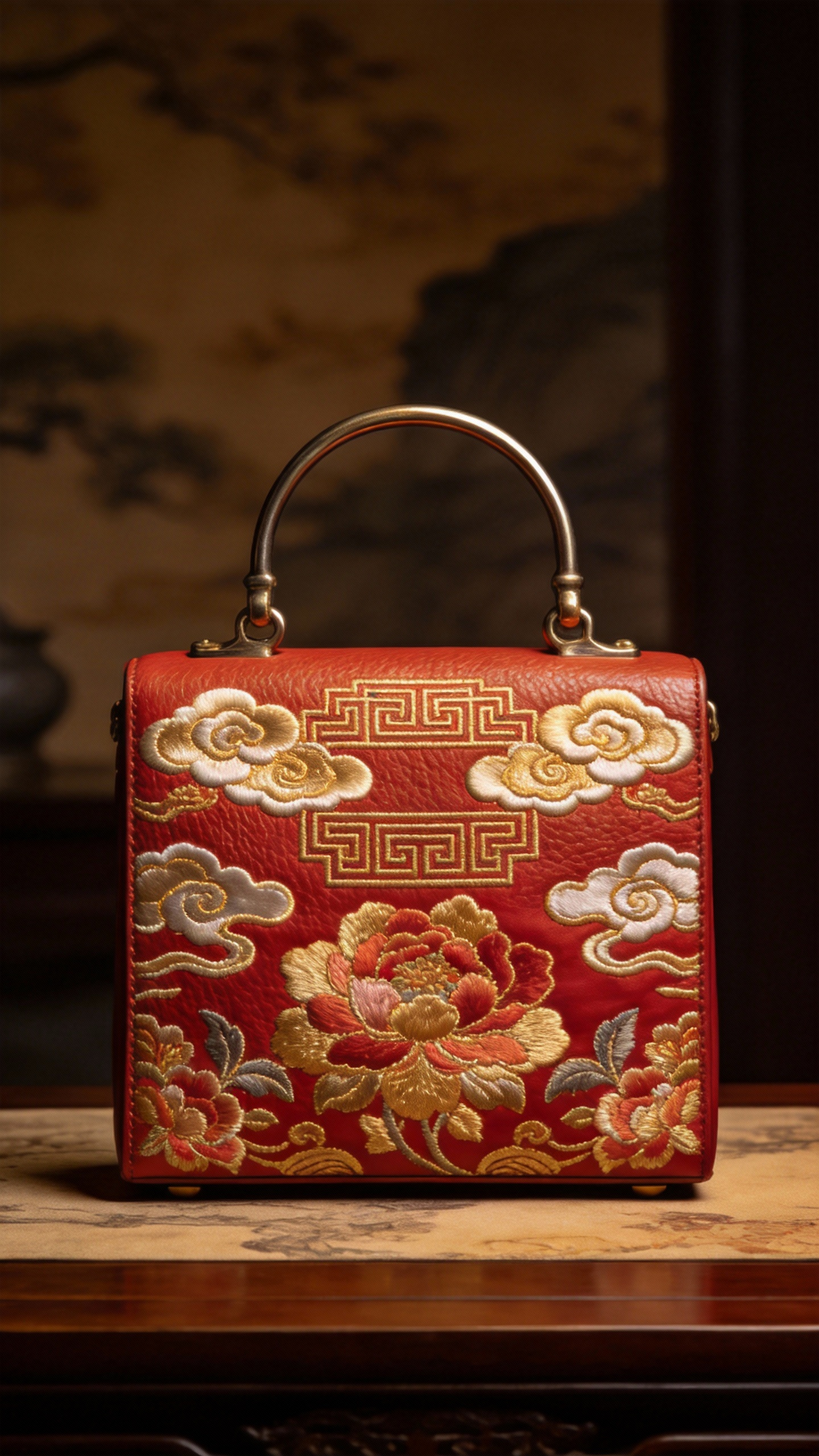
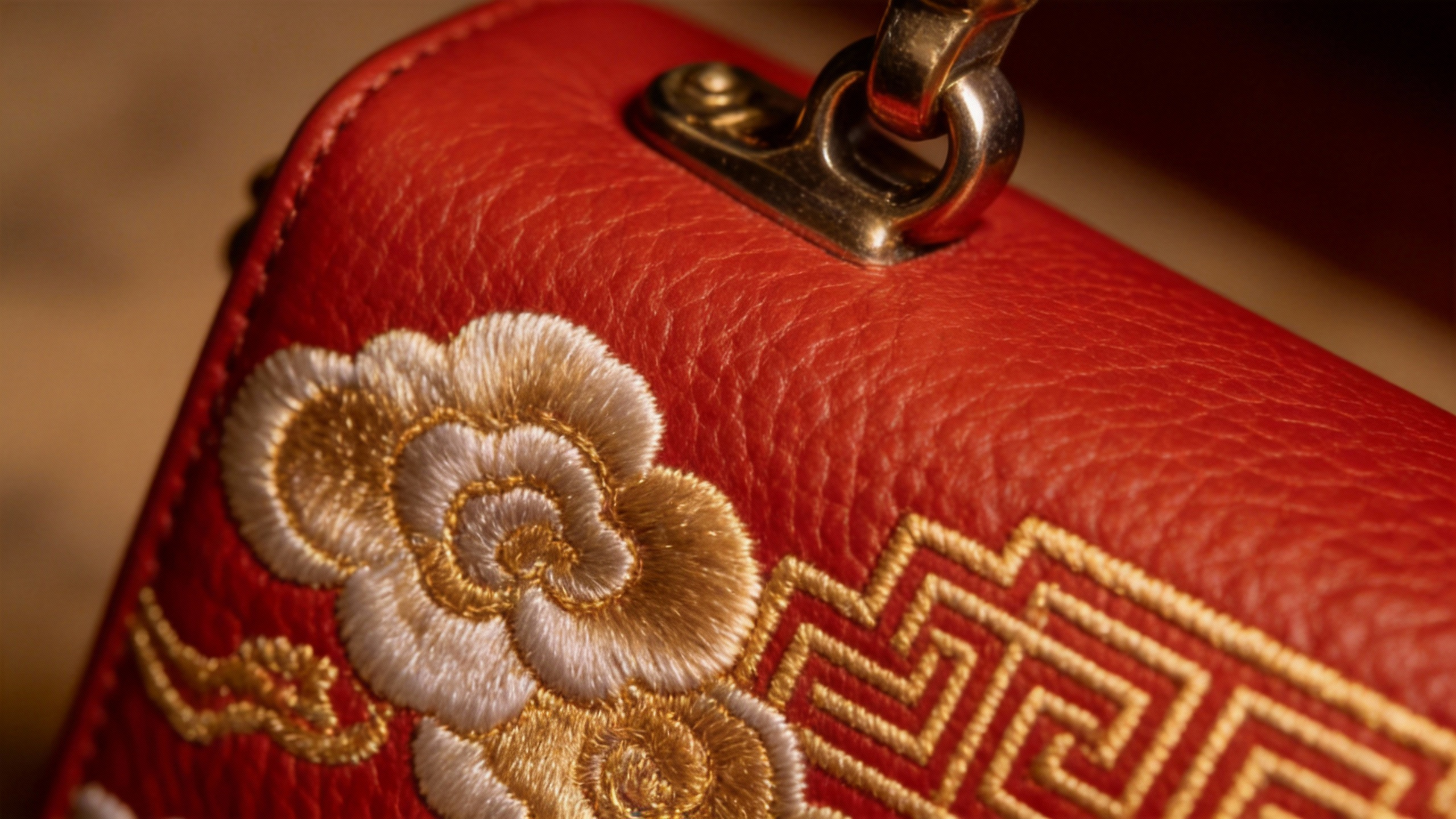
Conduct a commercial video showcase of the bag from @Image2. Reference the side of the bag from @Image1, and reference the surface texture of the bag from @Image3. Require all details of the bag to be shown. The background music should be grand and majestic.

Output Result

Ready

Case 6

Source Assets

VID
Asset 2
IMG
Asset 3
IMG
Asset 4
IMG

Generation Prompt

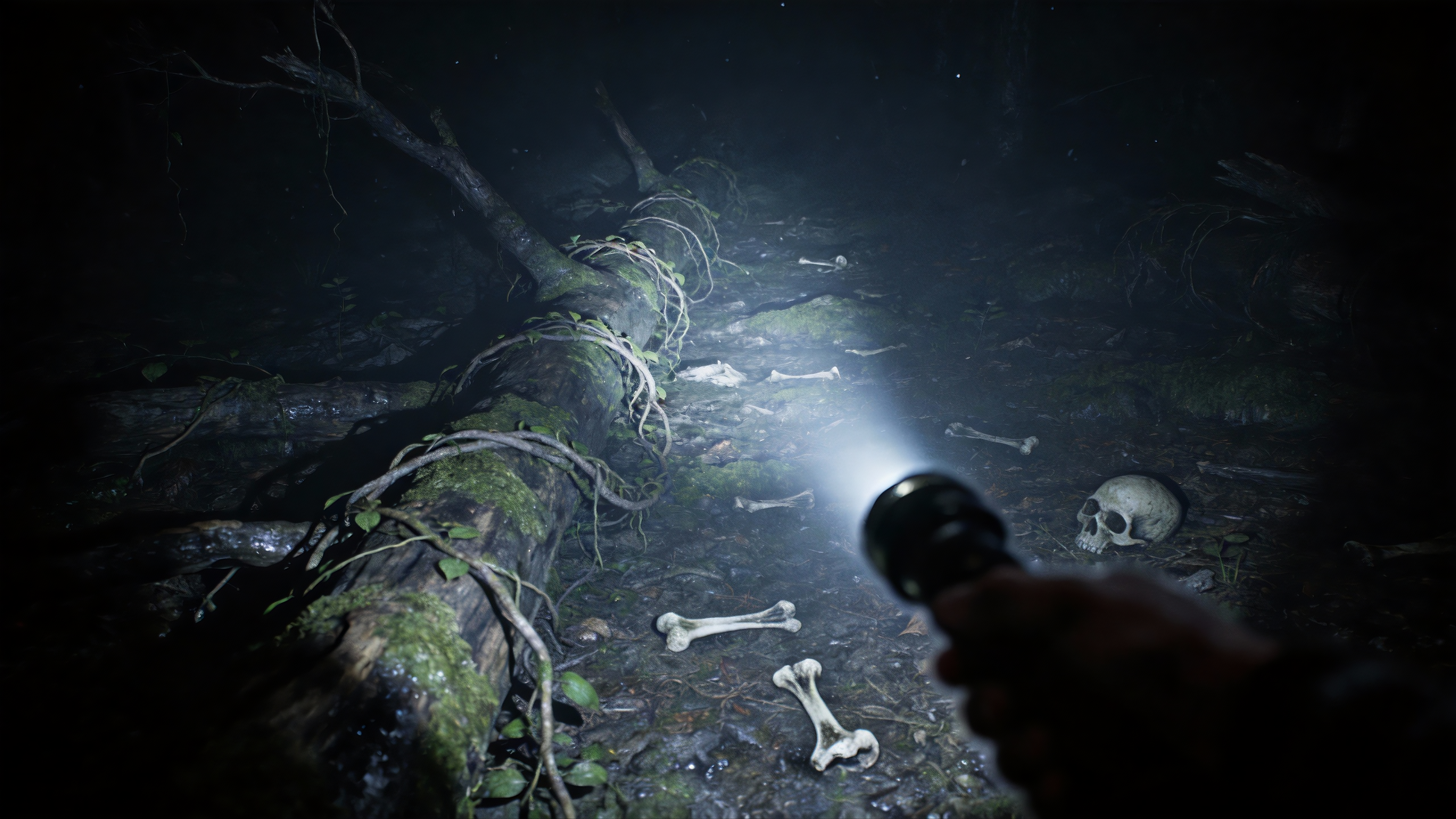
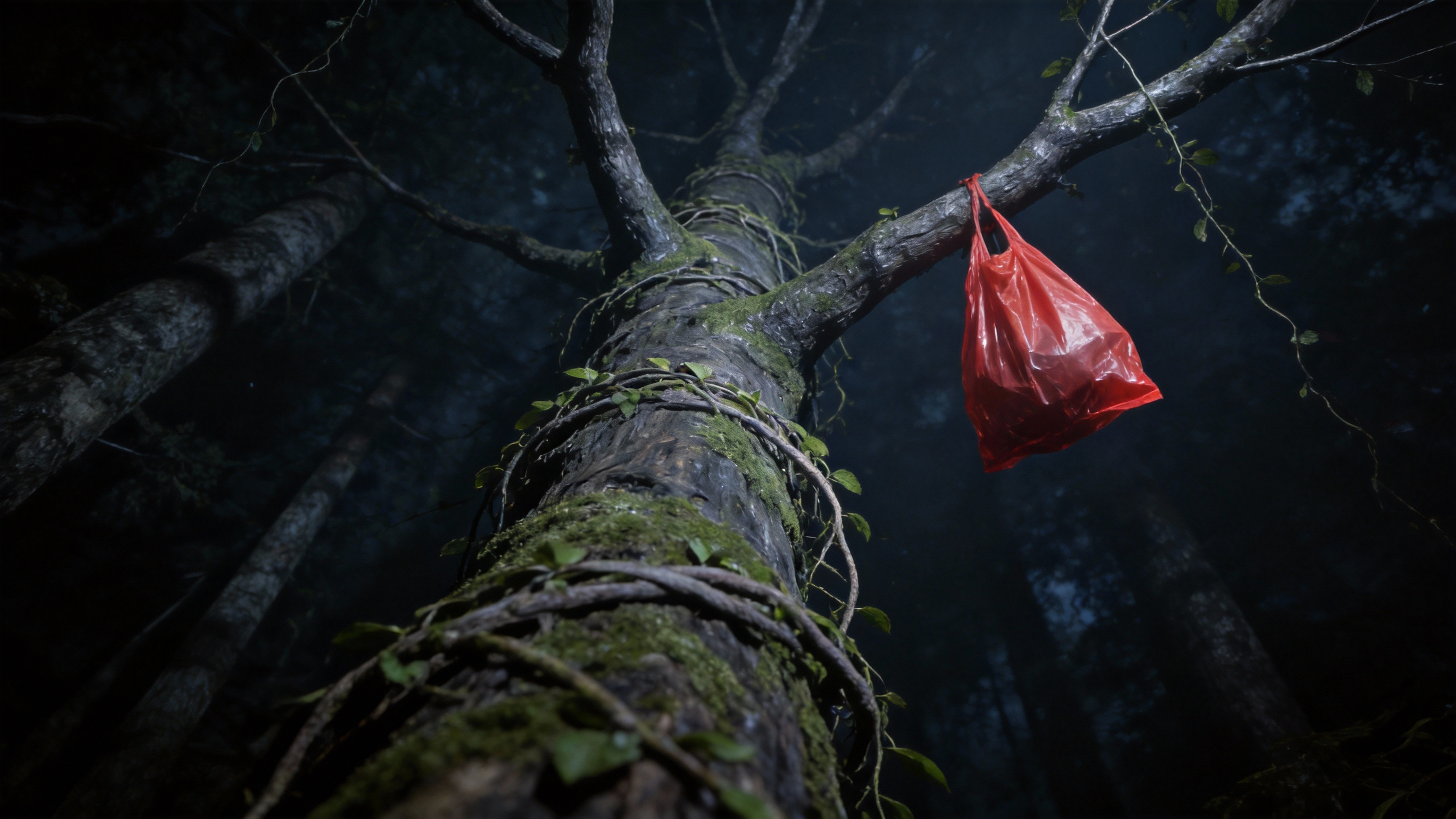
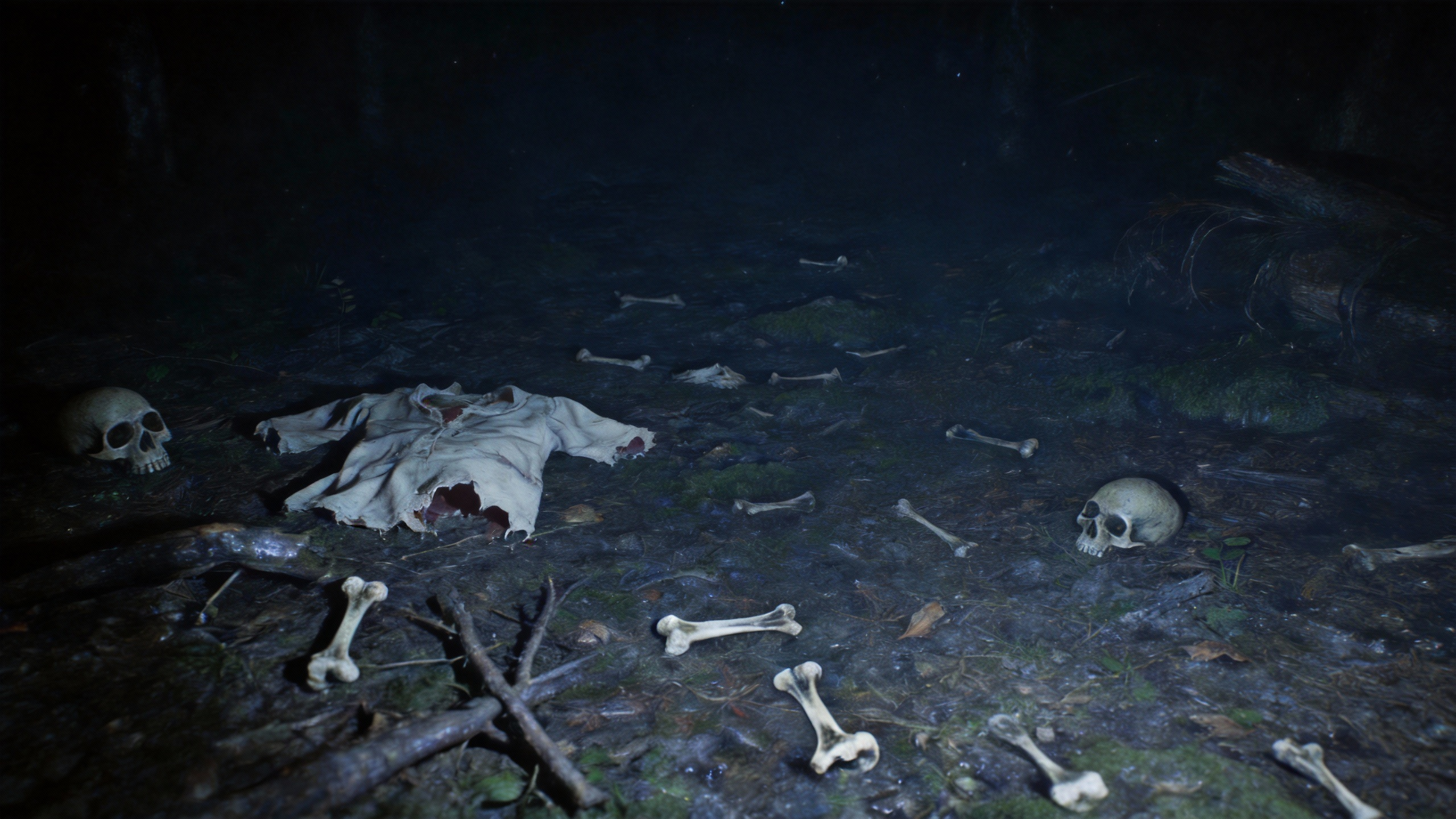
Take @Image1 as the starting frame of the scene, first-person perspective, referencing the camera movement effect from @Video1, referencing the top scene from @Image2, referencing the left scene from @Image3, and referencing the right scene from @Image4.

Output Result

Ready