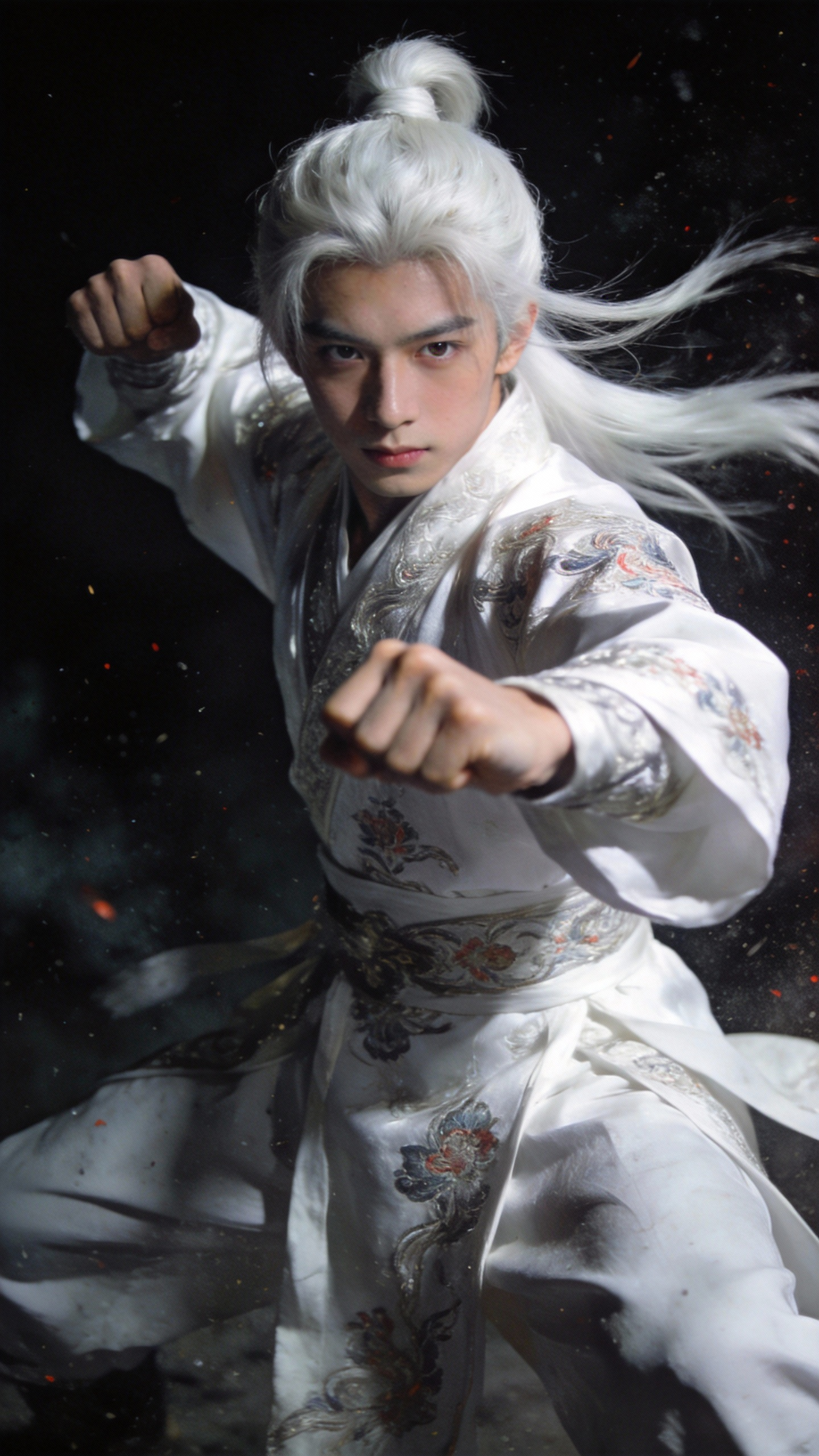
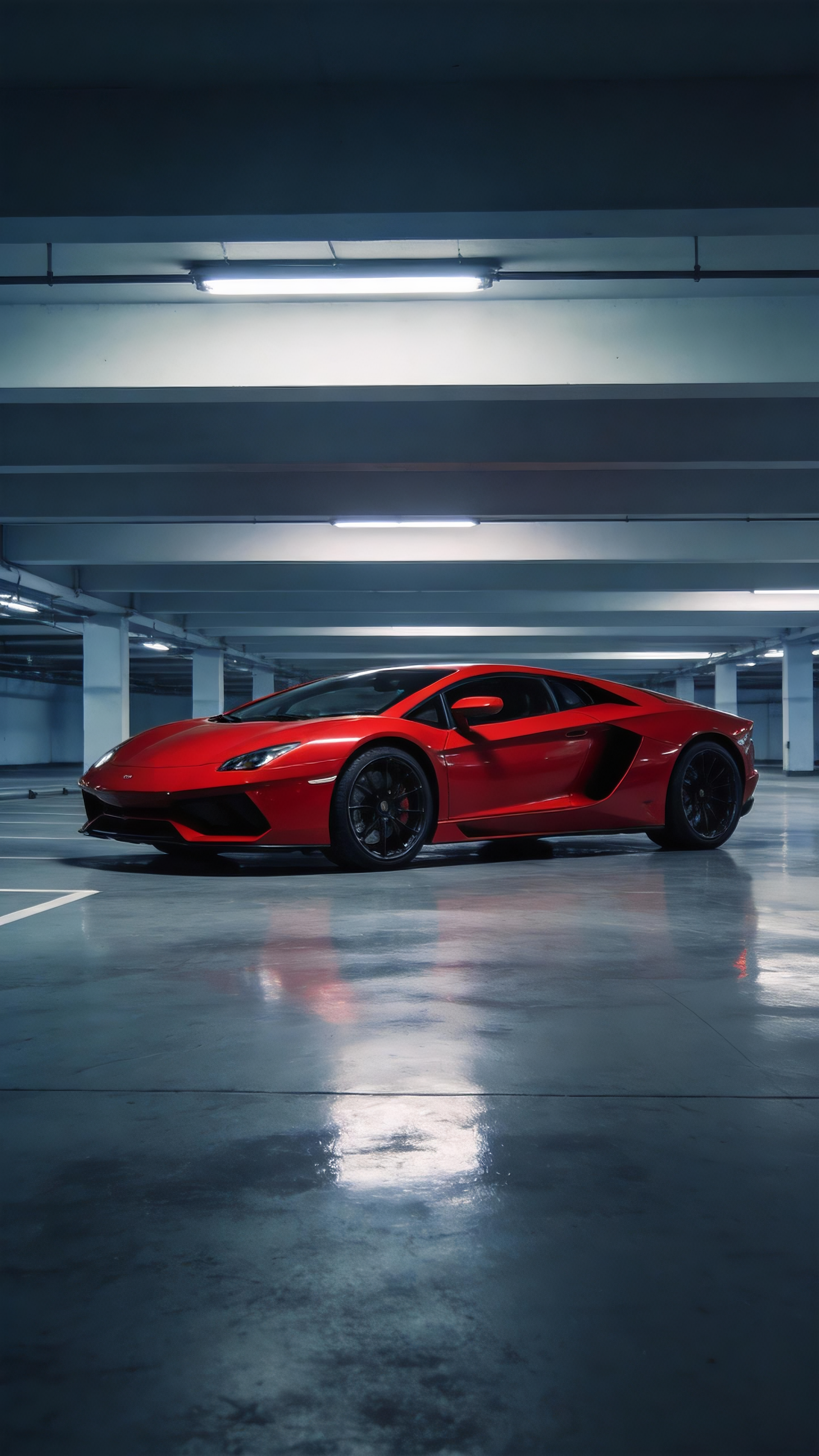
High Difficulty/Controllable Camera Movement and Precise Action Replication

Previously, if you wanted the model to imitate the positioning, camera movement, or complex actions in a movie, you either had to write a bunch of detailed prompt words or simply couldn’t do it. But now, all you need is to upload a reference video, and you are good to go.

Case 1

Source Assets

Asset 1
IMG
Asset 2
IMG
Asset 3
IMG
VID

Generation Prompt

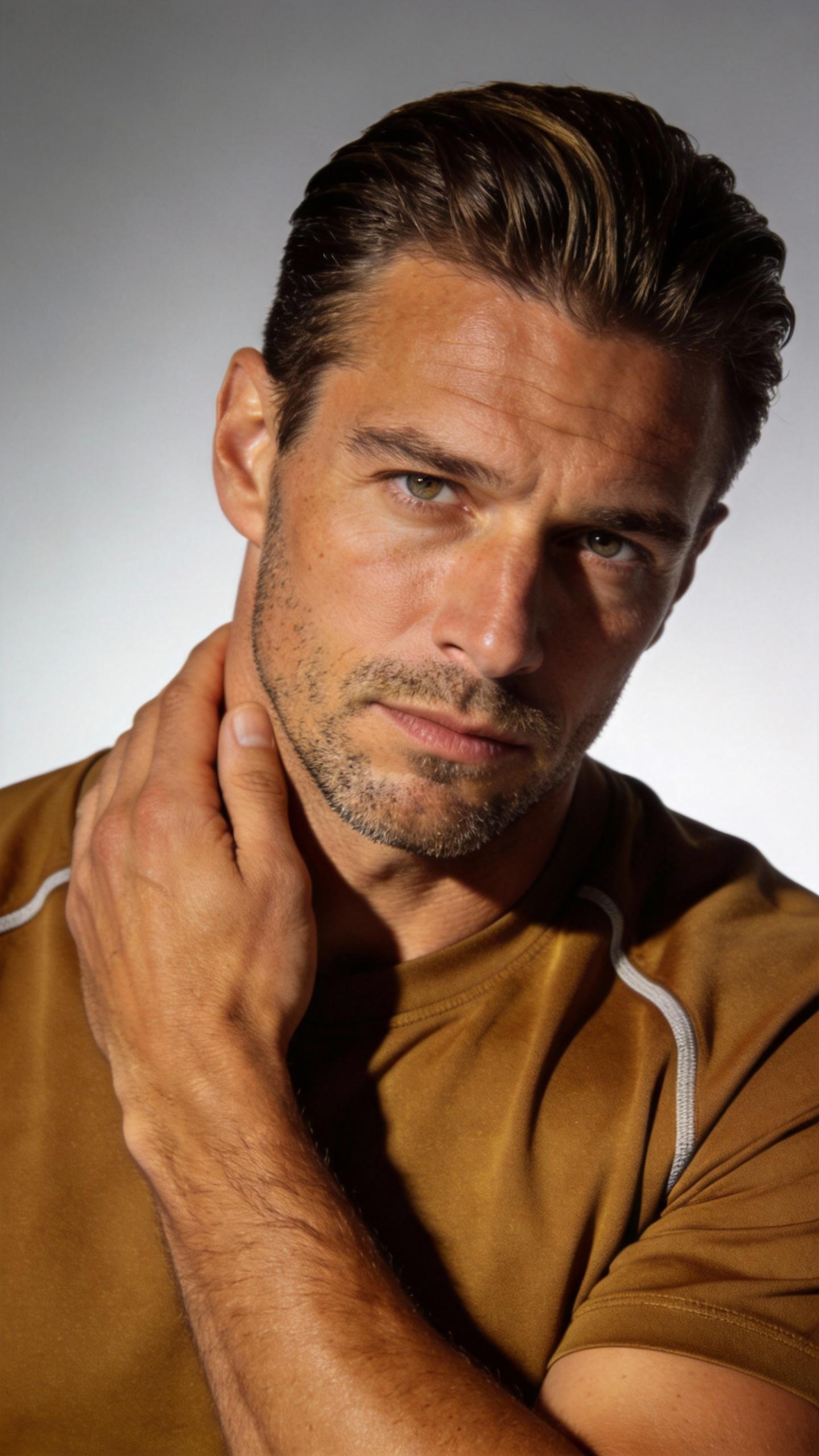
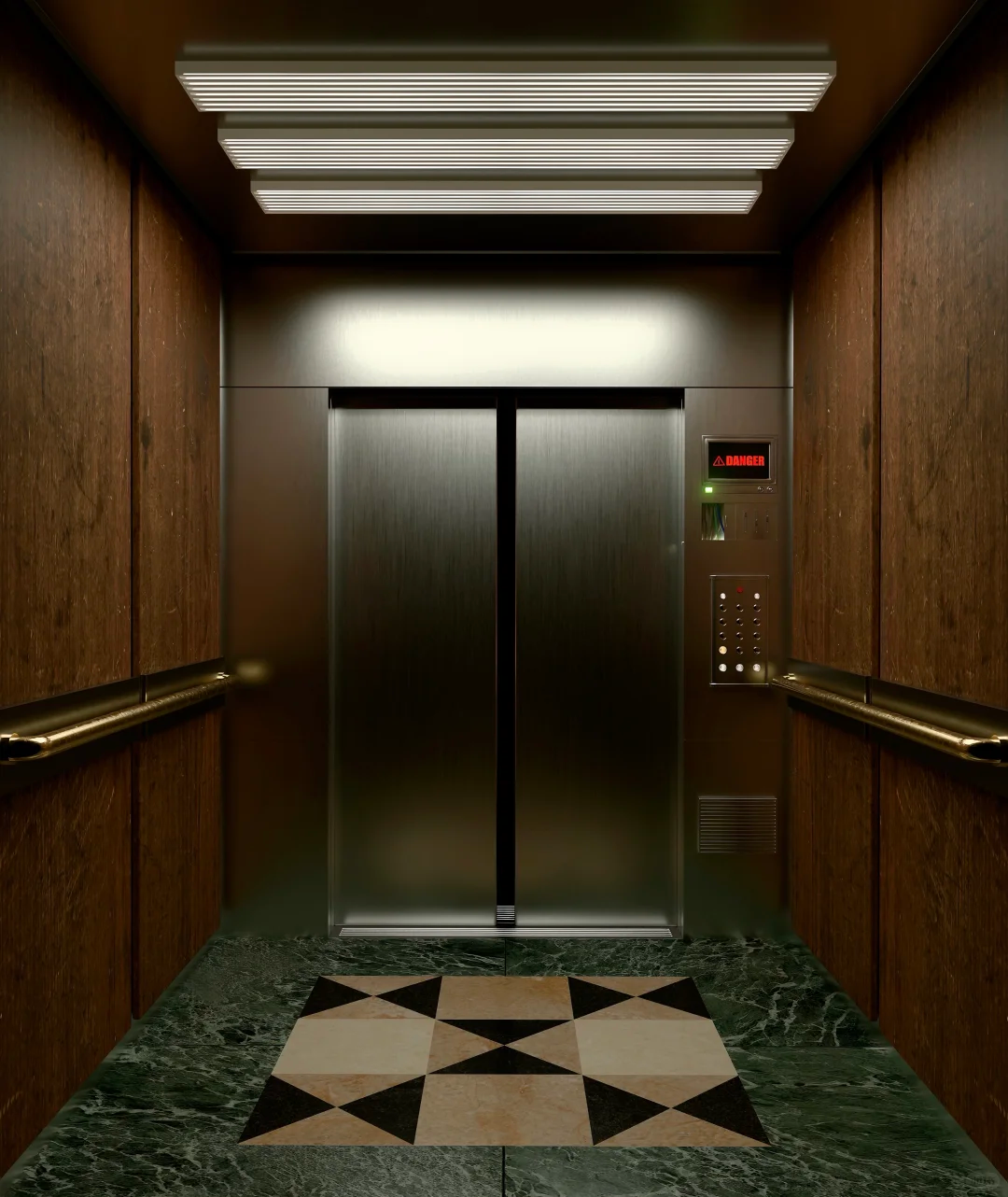
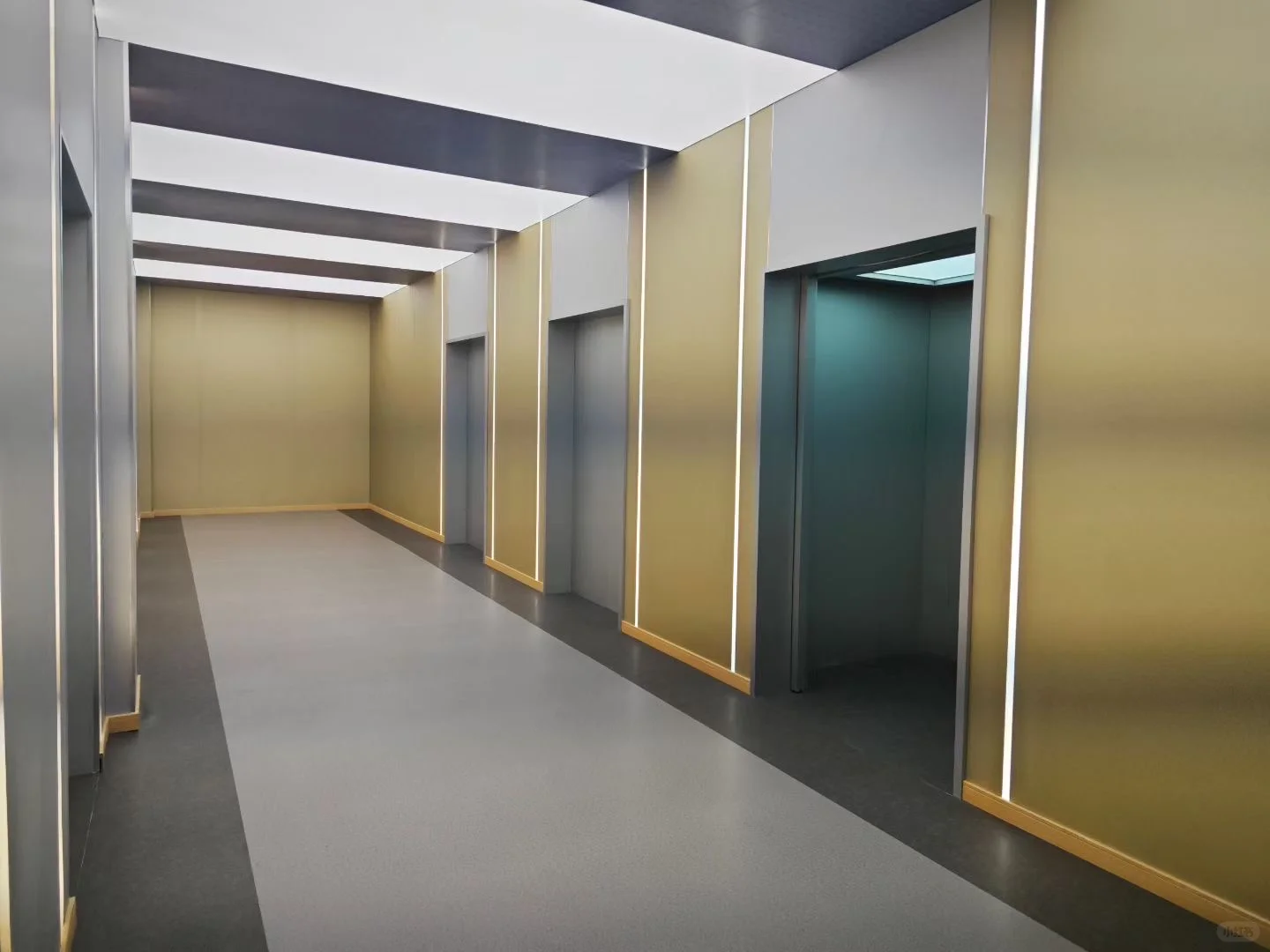
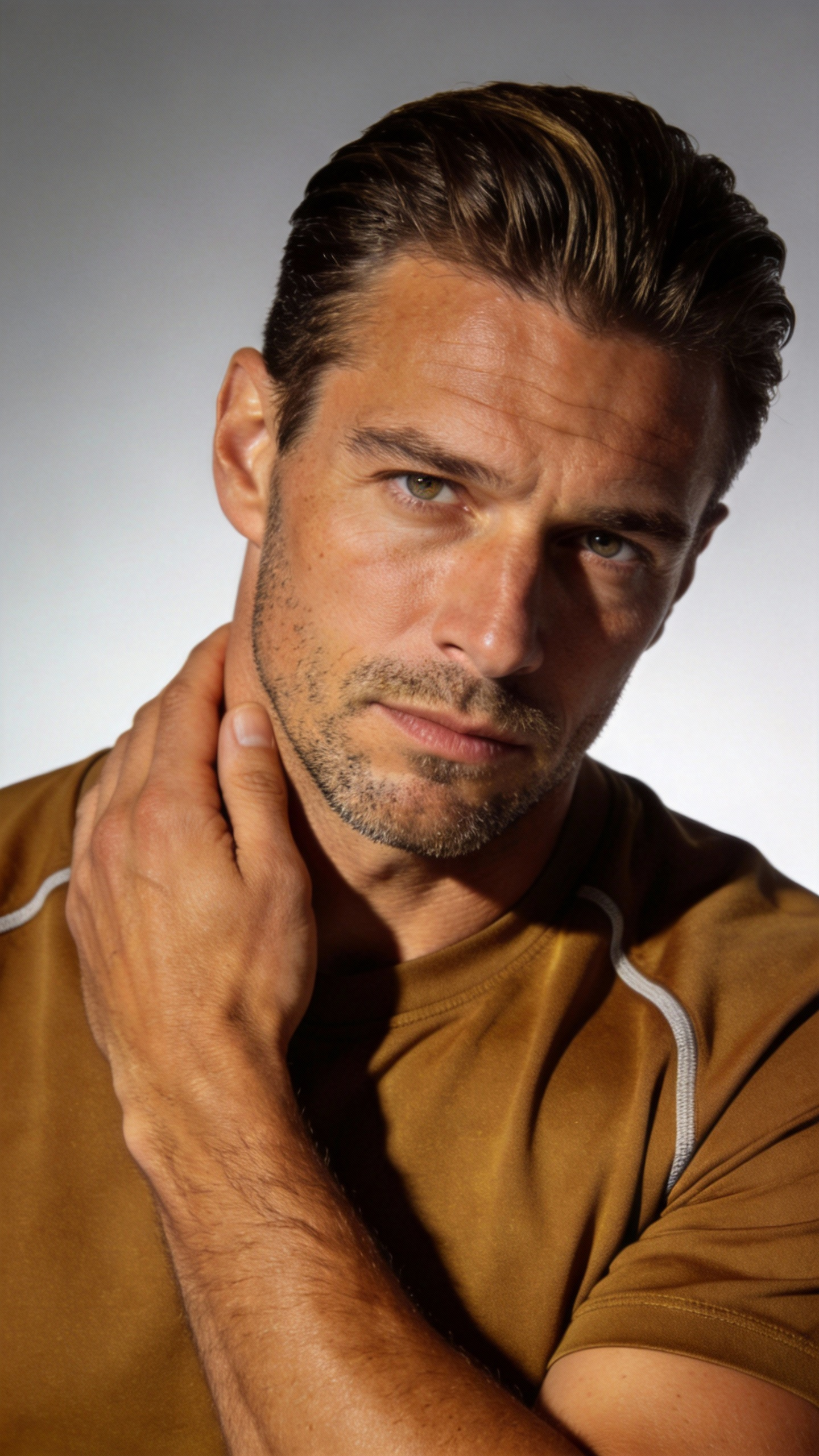
Referencing the man's image from @Image1, he is in the elevator from @Image2. Completely reference all the camera movements and the protagonist's facial expressions from @Video1. The protagonist has a Hitchcock zoom when frightened, followed by a few wrap-around shots showing the perspective inside the elevator. The elevator doors open, follow the camera out of the elevator. The scene outside the elevator refers to @Image3. The man looks around, referencing @Video1 using a robotic arm to follow the character's line of sight from multiple angles.

Output Result

Ready

Case 2

Source Assets

Asset 1
IMG
Asset 2
IMG
Asset 3
IMG
Asset 4
IMG
Asset 5
IMG
VID

Generation Prompt

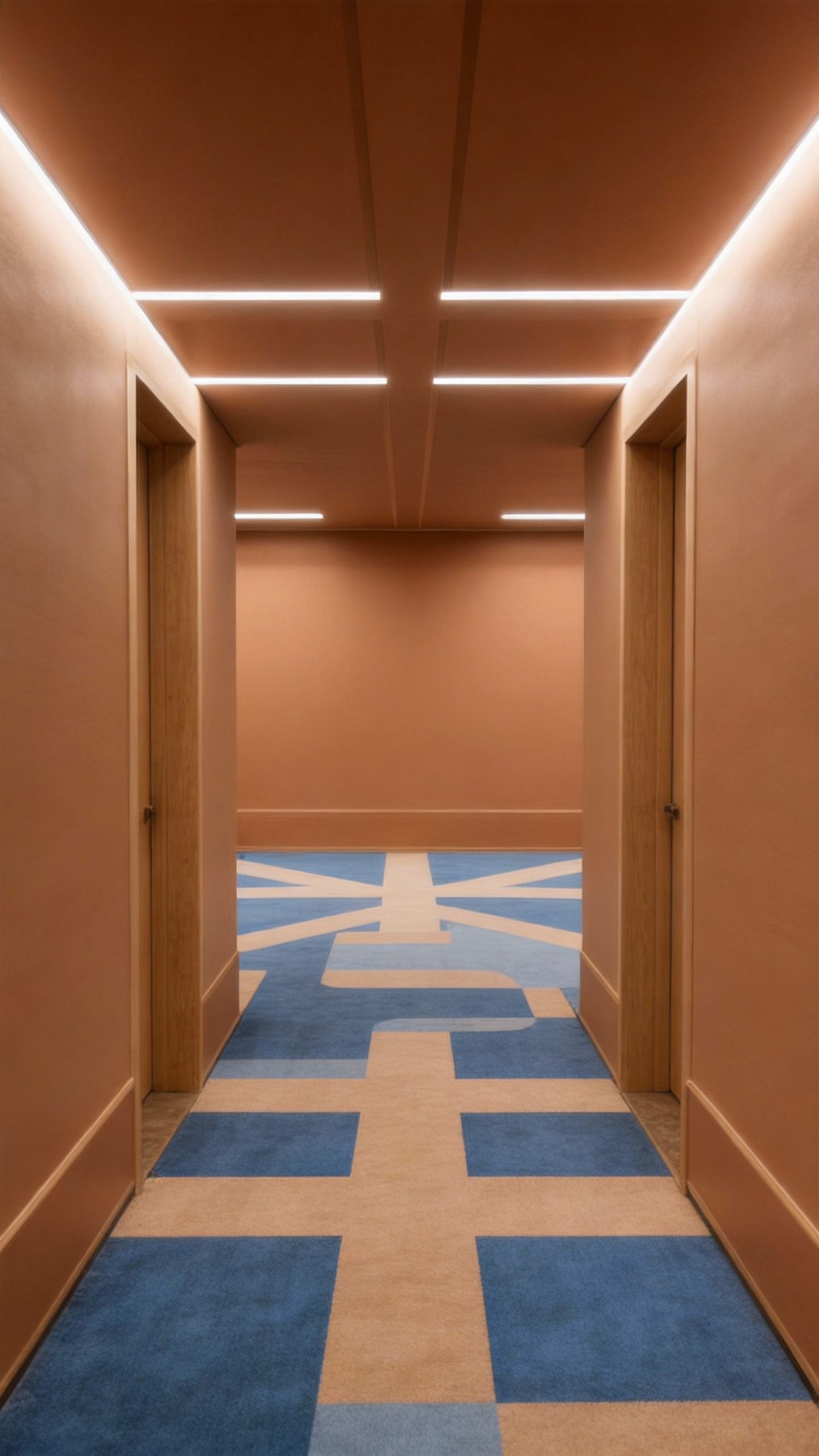
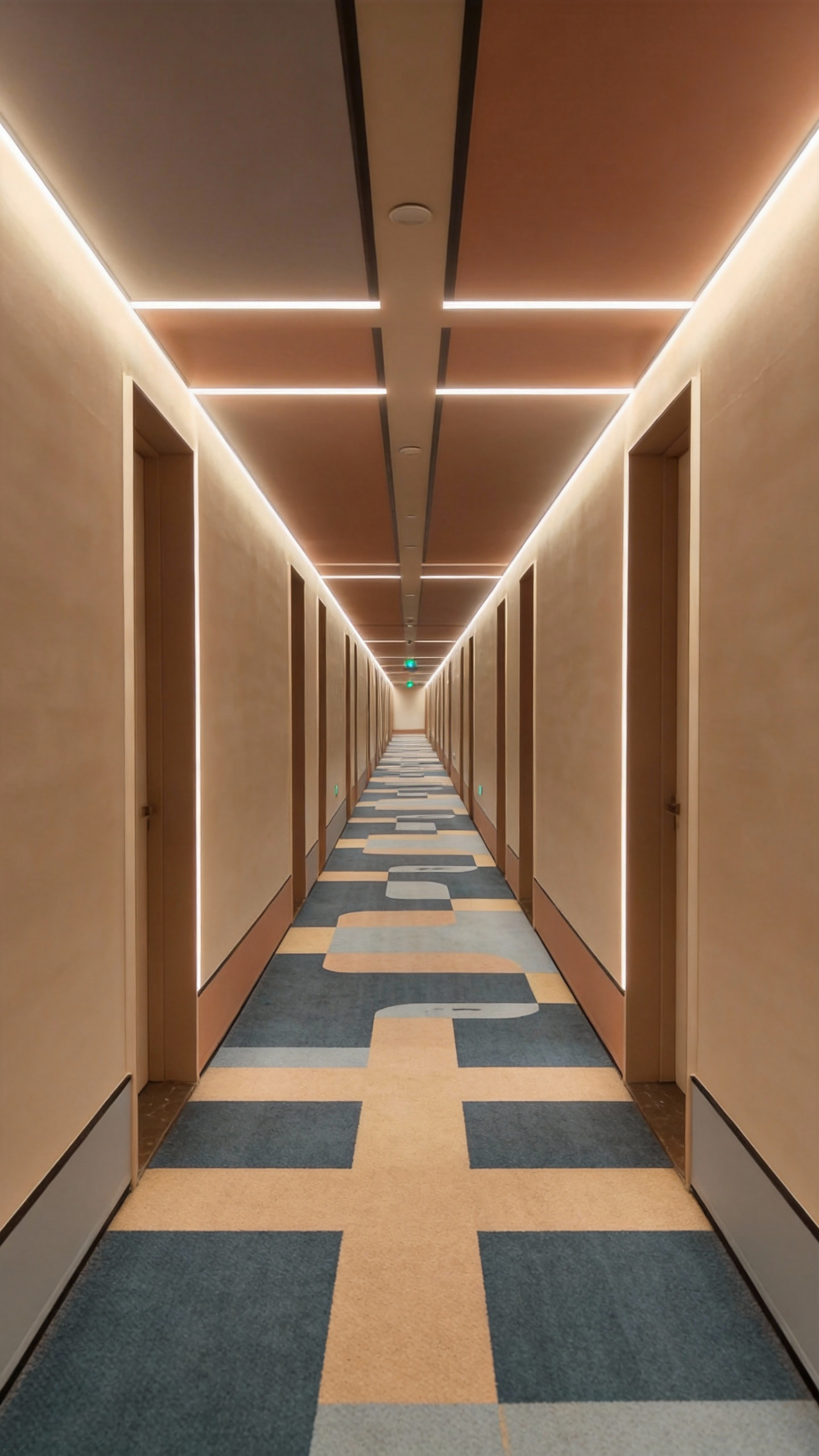
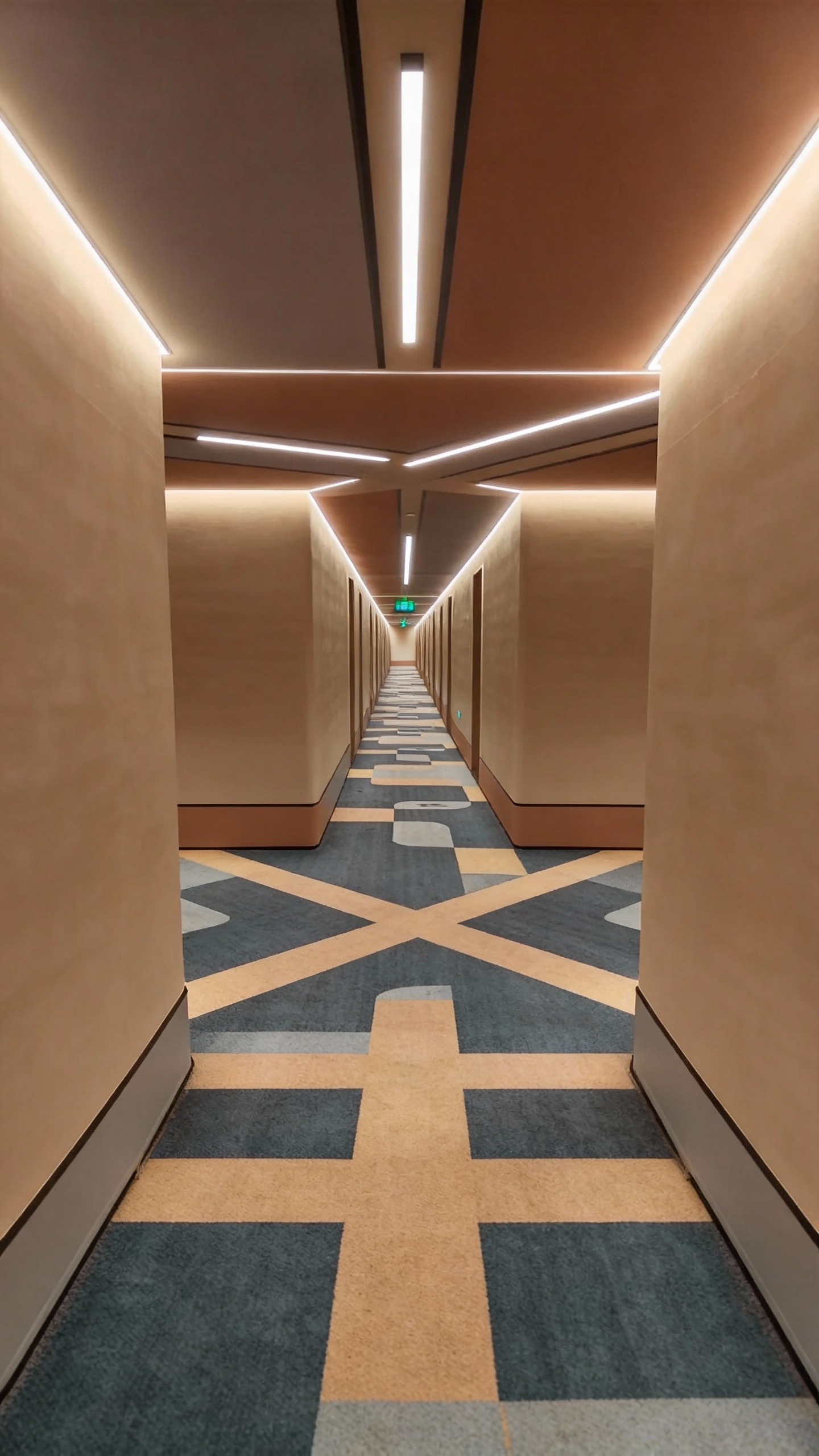
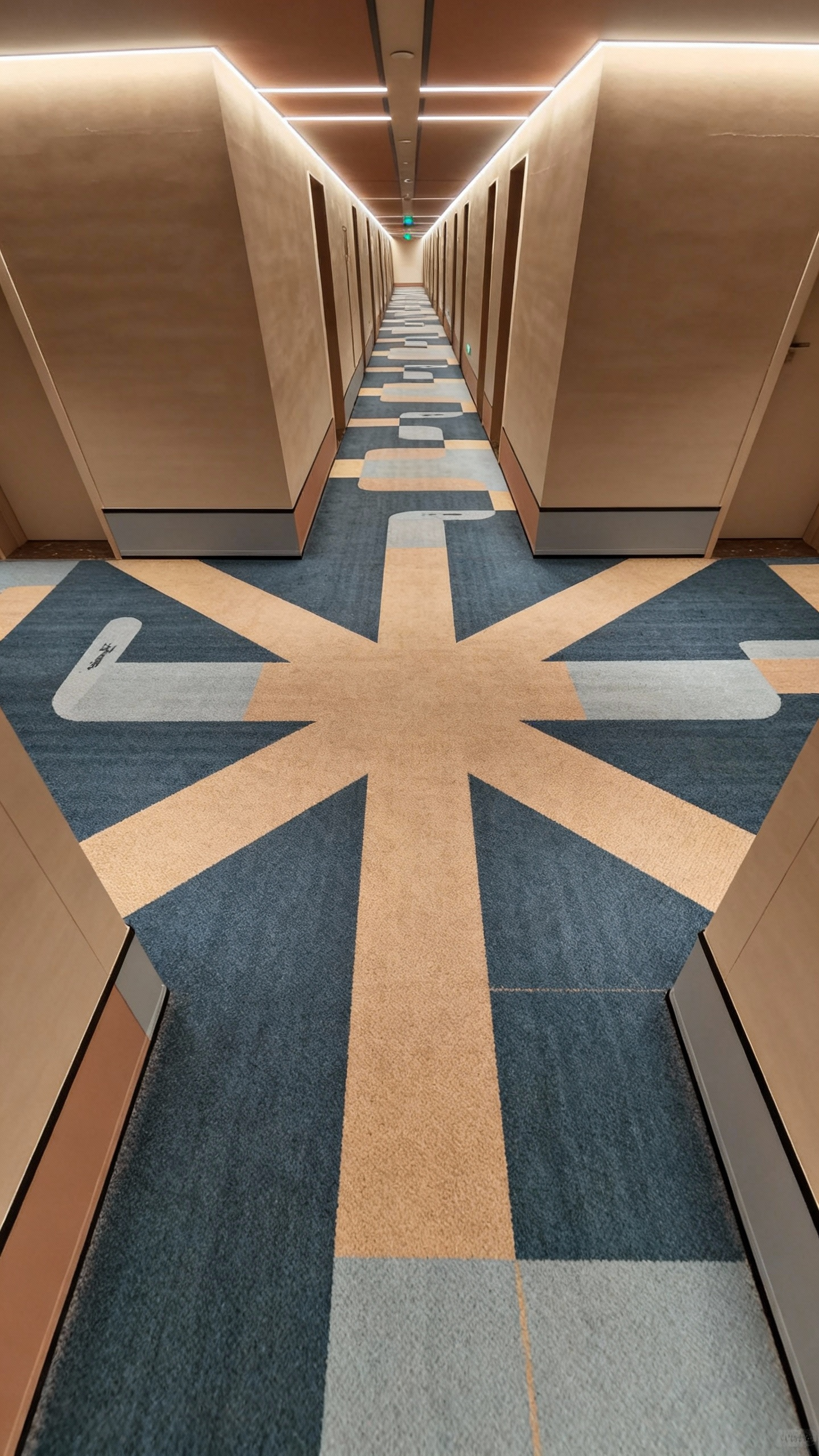
Referencing the man's image from @Image1, he is in the hallway from @Image2. Completely reference all the camera effects and the protagonist's facial expressions from @Video1. The camera follows the protagonist running around the corner in @Image2, then in the long corridor of @Image3, the camera follows from behind, wrapping around to the front of the protagonist through a low angle; the camera then pans right 90 degrees to shoot the fork in the road from @Image4, stops abruptly, and then pans right 180 degrees to shoot the protagonist's face head-on: the protagonist is panting. The camera follows the protagonist's perspective looking around, referencing the rapid left-and-right wrap-around camera movement in @Video1 to show the scene, pulling back to the scene from @Image5, and continues to follow the protagonist running from a side view.

Output Result

Ready

Case 3

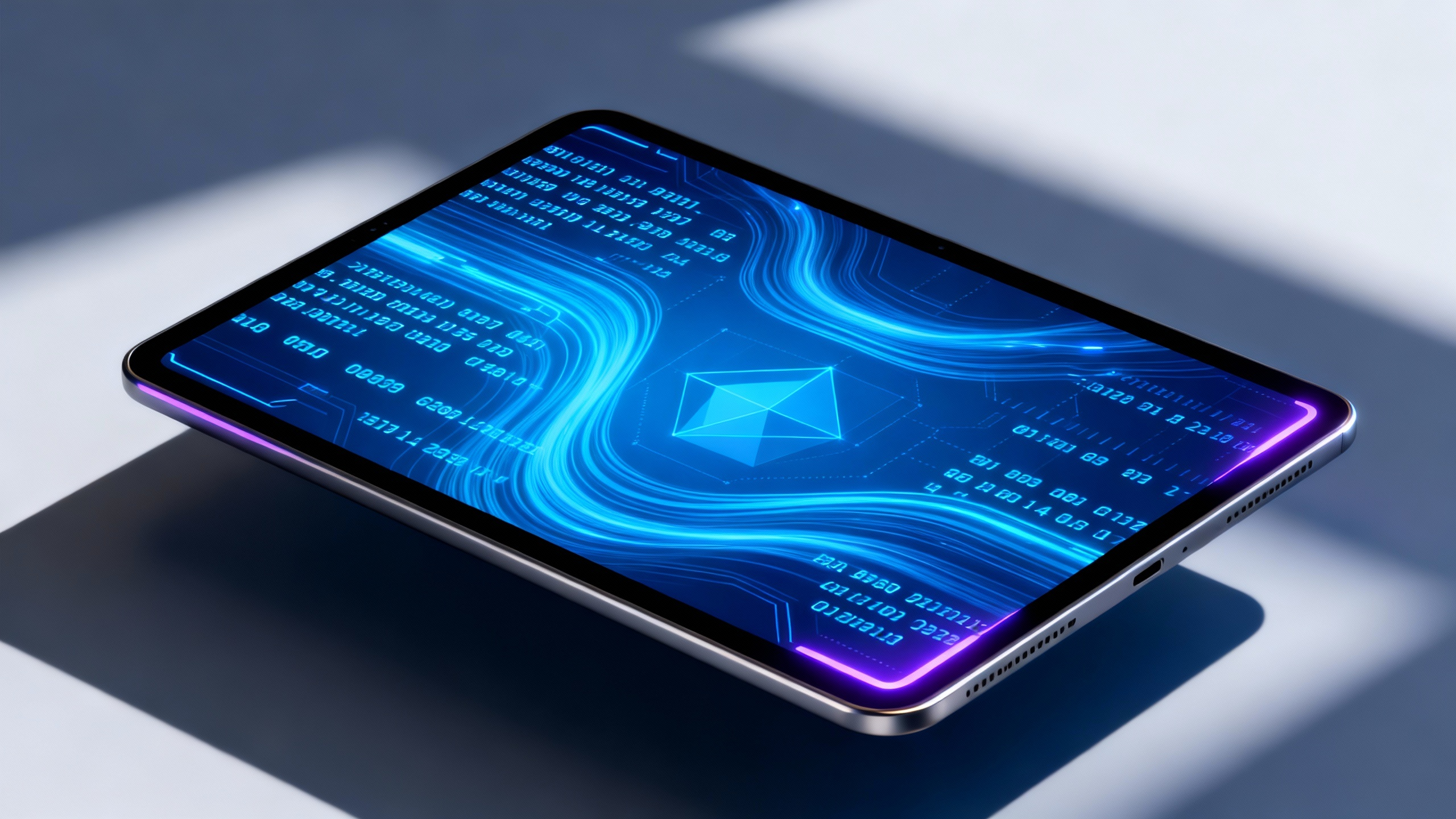
Source Assets

Asset 1
IMG
VID

Generation Prompt

Take the tablet from @Image1 as the main subject, reference the camera movement from @Video1, push in for a close-up of the screen, the camera rotates and the tablet flips to show the full view, the data stream on the screen is constantly changing, and the surrounding environment gradually turns into a sci-fi style data space.

Output Result

Ready

Case 4

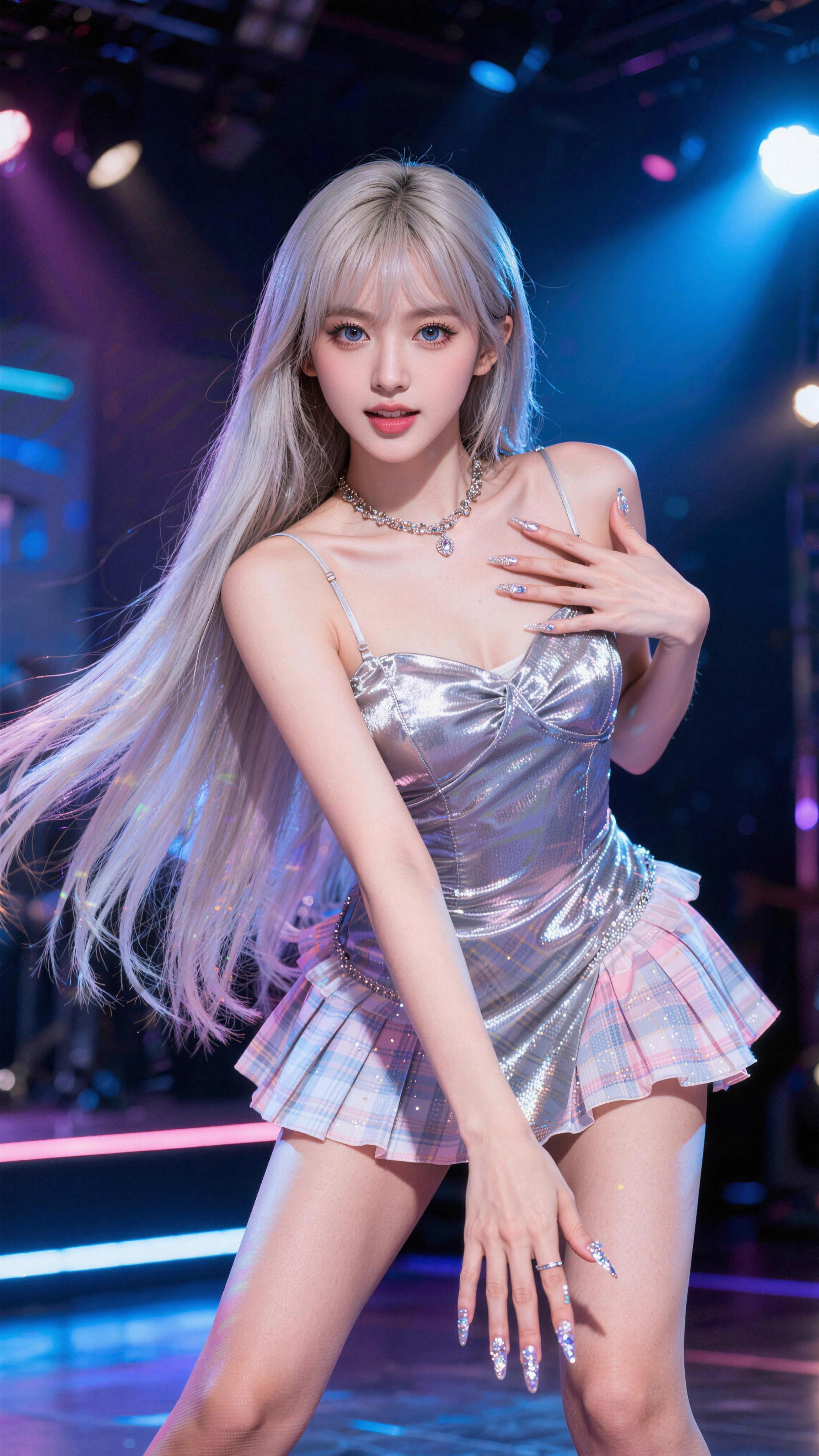
Source Assets

Asset 1
IMG
VID

Generation Prompt

Taking the female star in @Image1 as the main subject, reference the camera movement in @Video1 for rhythmic pushing, pulling, panning, and tracking. The female star's movements also refer to the woman's dance moves in @Video1, performing energetically on stage.

Output Result

Ready

Case 5

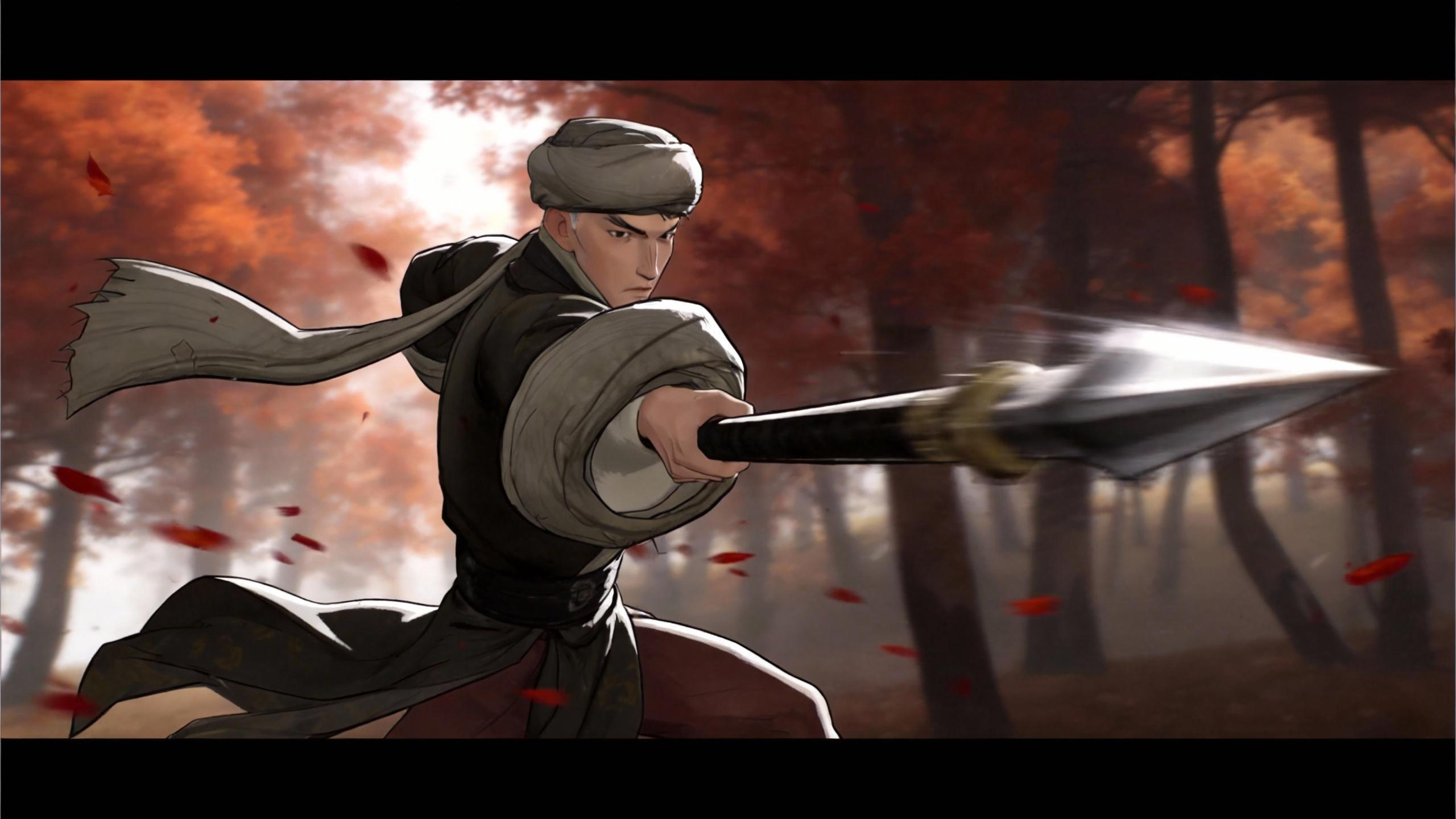
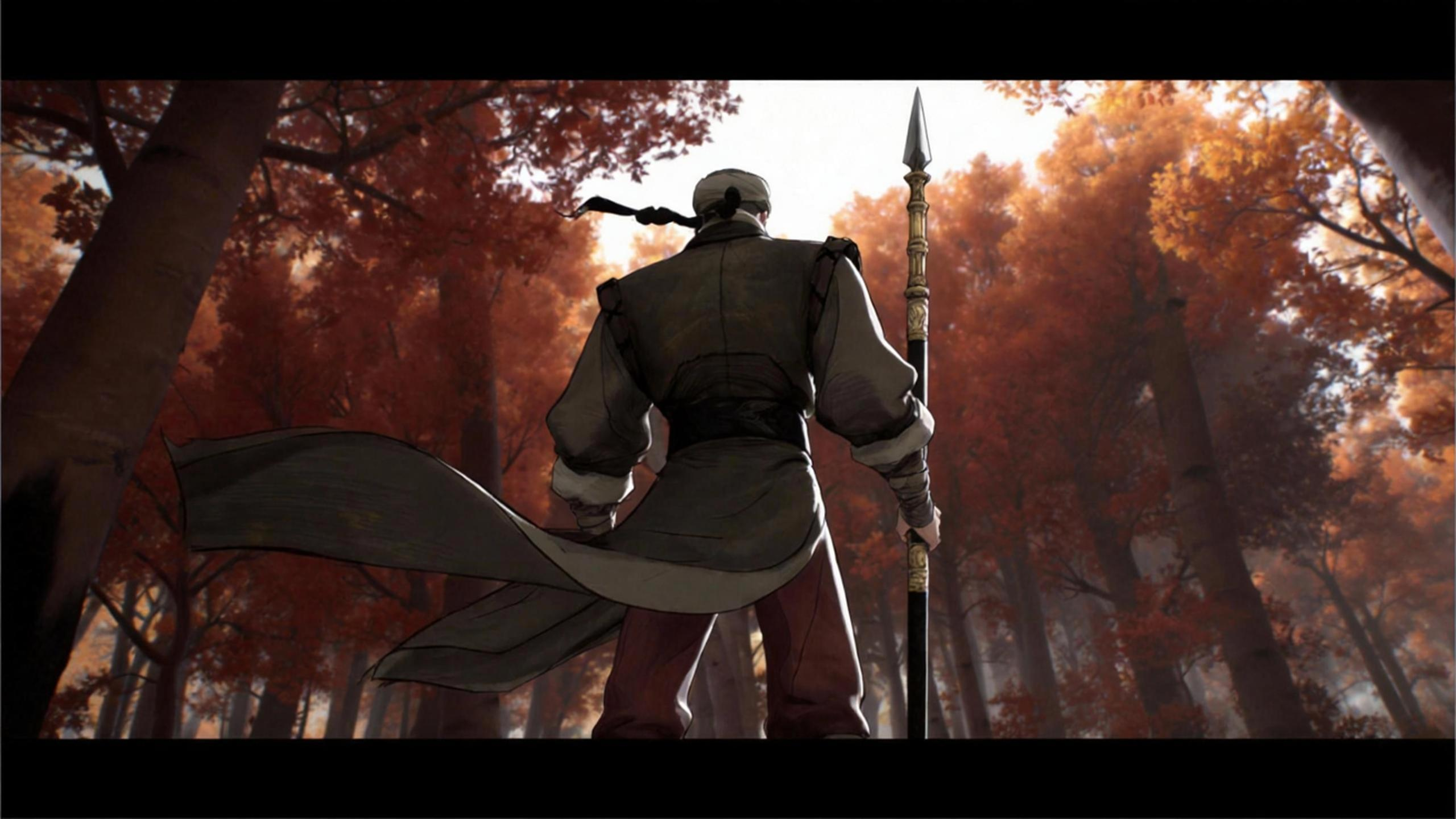
Source Assets

Asset 1
IMG
Asset 2
IMG
Asset 3
IMG
Asset 4
IMG
Asset 5
IMG
VID

Generation Prompt

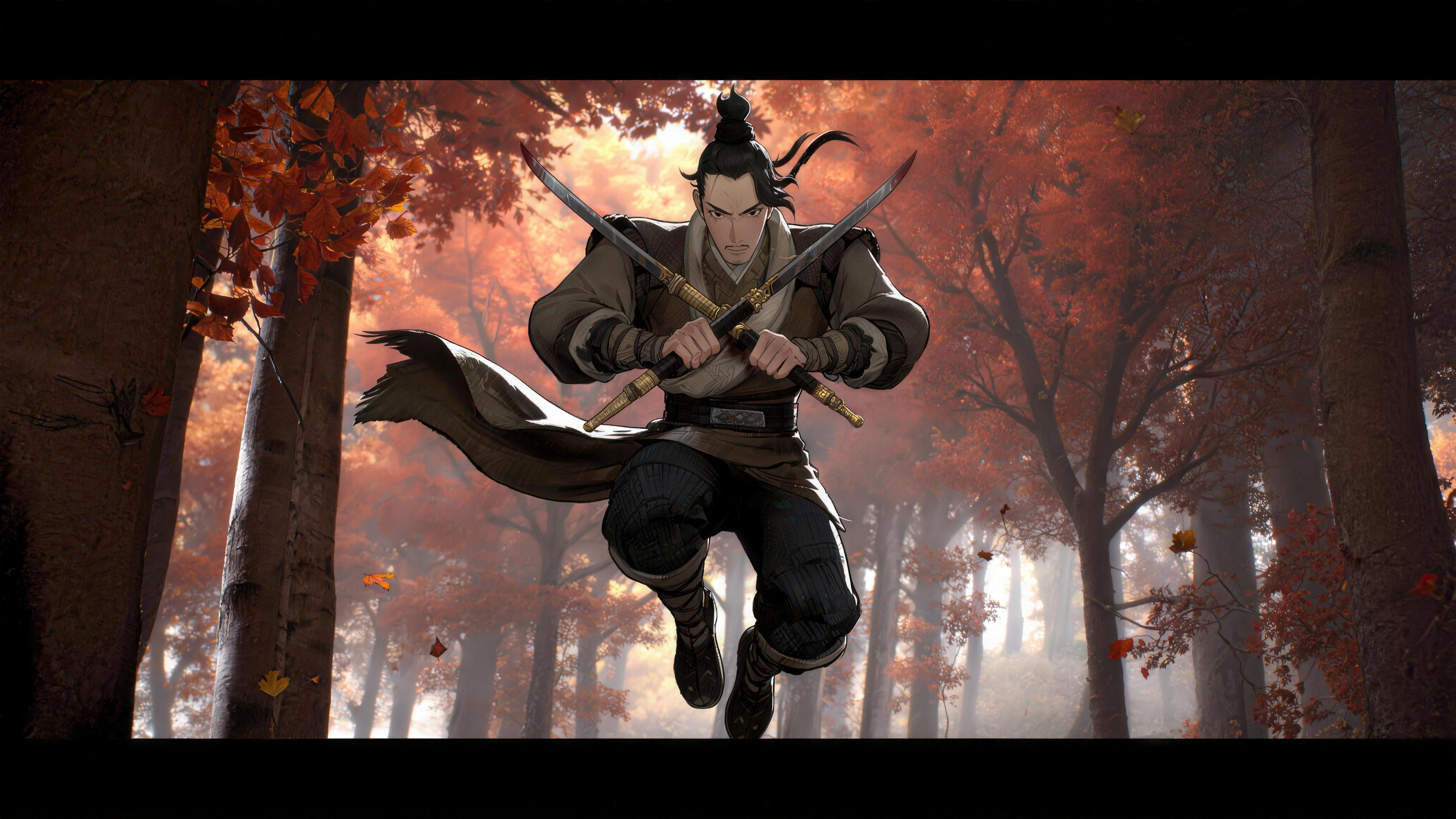
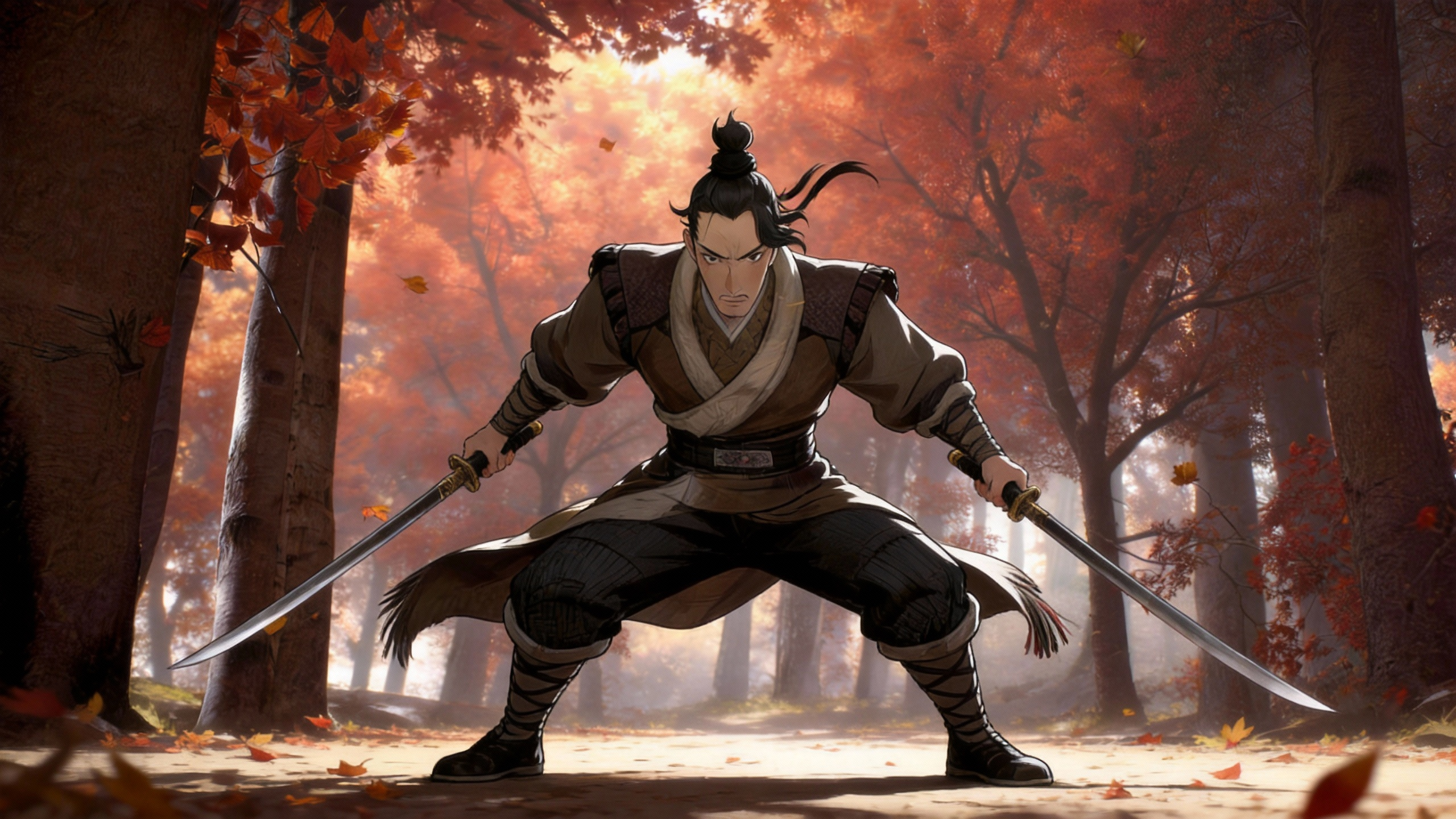
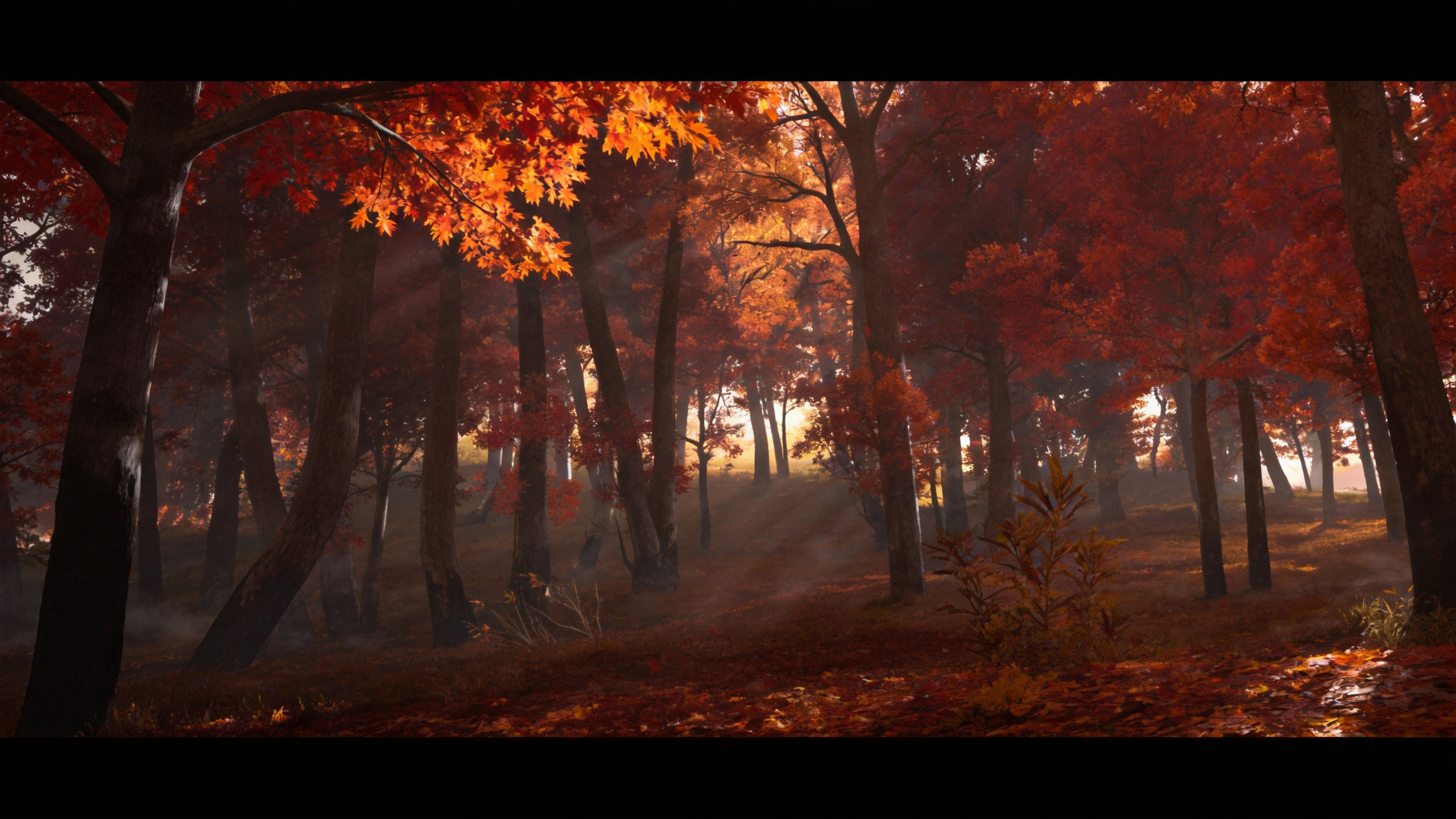
Reference the spearman from @Image1 and @Image2, and the dual-blade character from @Image3 and @Image4. Imitate the actions from @Video1 to fight in the maple forest from @Image5.

Output Result

Ready

Case 6

Source Assets

Asset 1
IMG
Asset 2
IMG
VID
VID

Generation Prompt

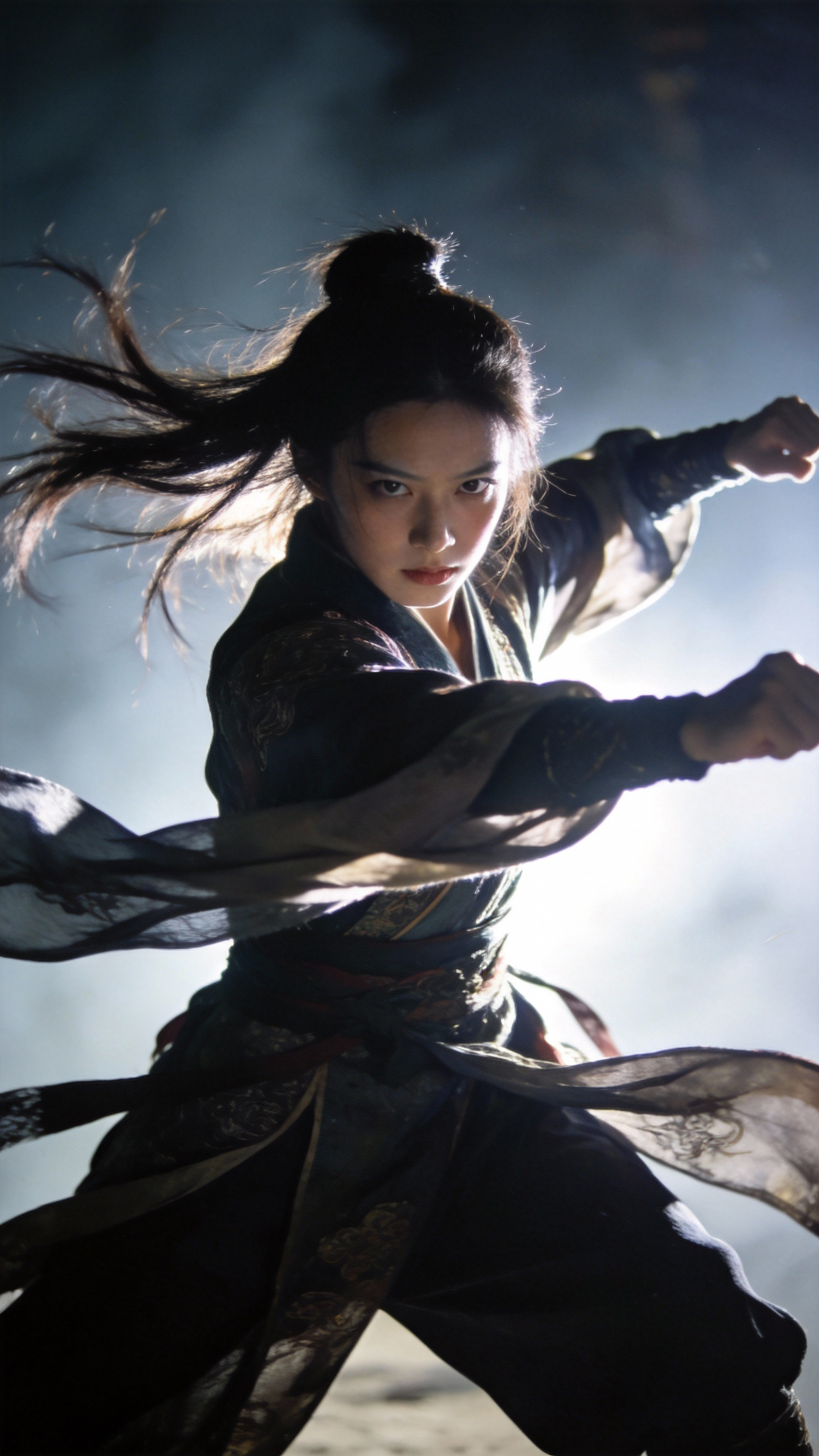
Reference the character actions from @Video1 and the wrap-around camera language from @Video2, to generate a fight scene between Character 1 and Character 2. The fight takes place on a starry night, with white dust kicking up during the conflict. The fight scene is extremely gorgeous, and the atmosphere is very tense.

Output Result

Ready

Case 7

Source Assets

Asset 1
IMG
VID

Generation Prompt

Reference the camera movements and scene-switching rhythm of @Video1, and take the red supercar from @Image1 to replicate it.

Output Result

Ready